 QClips
Put QClips on your stream.
An animated overlay that slides in, shows the app, the link and a QR code your viewers can scan, then slides away. Free, no sign-up, nothing to install: one link in OBS or Streamlabs.
Add it in a minute.
-
Add a browser source
OBS: Sources, +, Browser. Streamlabs: + Source, Browser Source.
-
Paste the link
- URL: your overlay link.
- Width 1920, height 1080.
- Tick Shutdown source when not visible and Refresh browser when scene becomes active.
-
Put it on top
Keep it above your game in the source list, full screen. The page is transparent, so only the overlay shows. It has no sound.
Rather have a video file?
The same animation as a transparent WebM (1920 × 1080, 60 fps). Add it in OBS as a Media Source, untick Loop, and show it when you like, or play it from a stinger or a hotkey.
Everything in one file ZIP, 14 MB: every style as a video or picture, and a guide الحزمة بالعربي ZIP، 14 ميجا
English
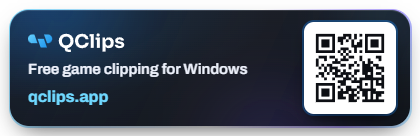
- Bar WEBM
- Corner card WEBM
- Mini strip WEBM
- News ticker WEBM
- Side panel WEBM
- Notification WEBM
- Badge PNG
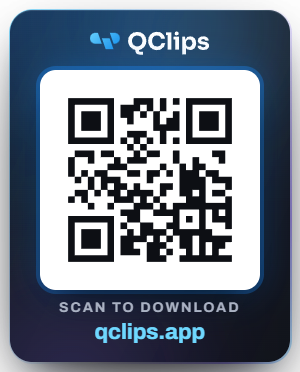
- QR tile PNG
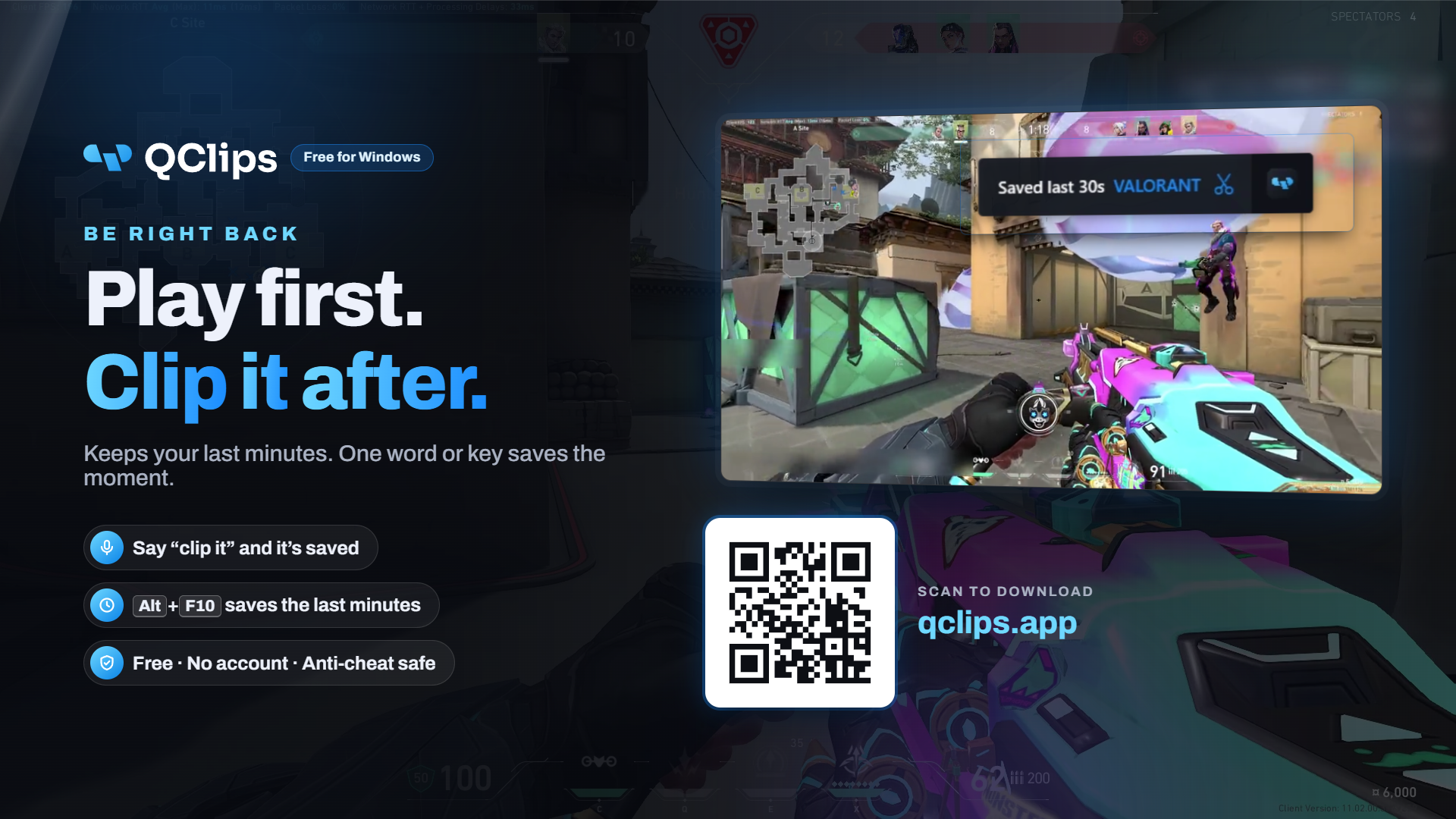
- Break screen PNG
عربي
- Bar WEBM
- Corner card WEBM
- Mini strip WEBM
- News ticker WEBM
- Side panel WEBM
- Notification WEBM
- Badge PNG
- QR tile PNG
- Break screen PNG
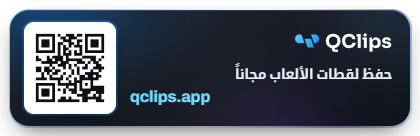
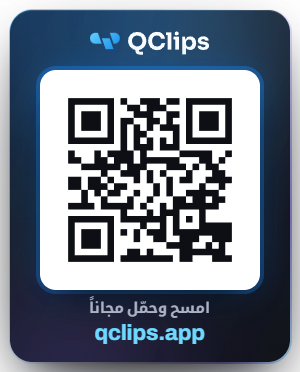
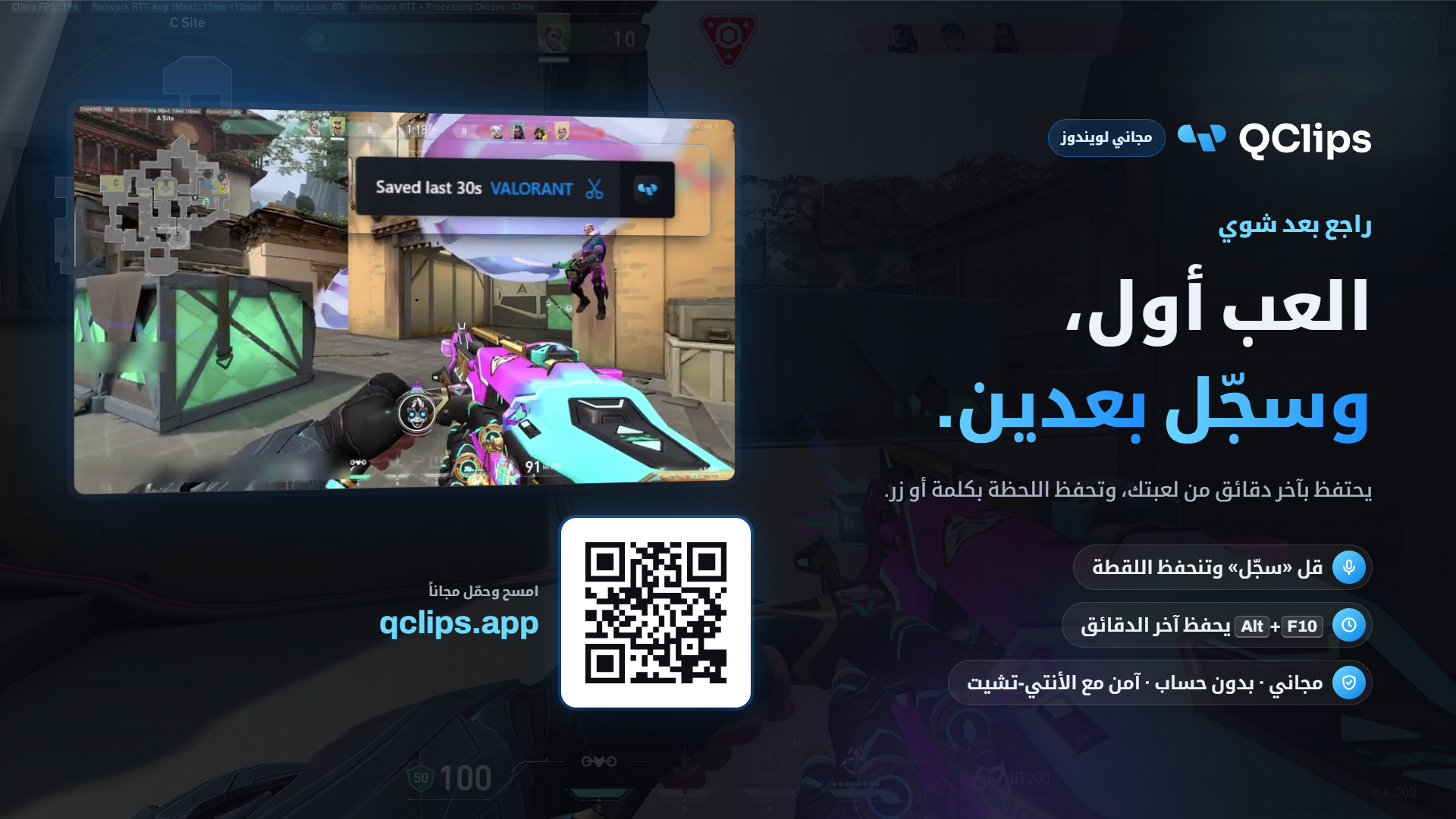
The small ones come at their real size (the mini strip is 600 × 188, for example): add them as they are and move them into place. The rest are 1920 × 1080.
Tips
- Once every 10 to 20 minutes is plenty for the big bar. The mini strip under your webcam can come more often, every 1 to 5 minutes.
- The always-on badge stays put and only changes its line every few seconds, so it never gets in the way.
- Make it yours: pick the colour, theme (dark, light or neon), corners, entrance and size above; the preview shows it right away.
- Put the break screen in a scene of its own and switch to it when you step away.
- Put the break screen in a scene of its own and switch to it when you step away.
- Keep it clear of your webcam, chat and alerts. Pick the corner card if the bar covers your HUD.
- Want it on demand? Choose Only when I show the source and toggle the source, or bind it to a hotkey.
- The QR codes of the bar, card and mini strip scan from a phone at 720p and above; the badge’s smaller one is best at 1080p. Mention it on stream once in a while.