1Voice
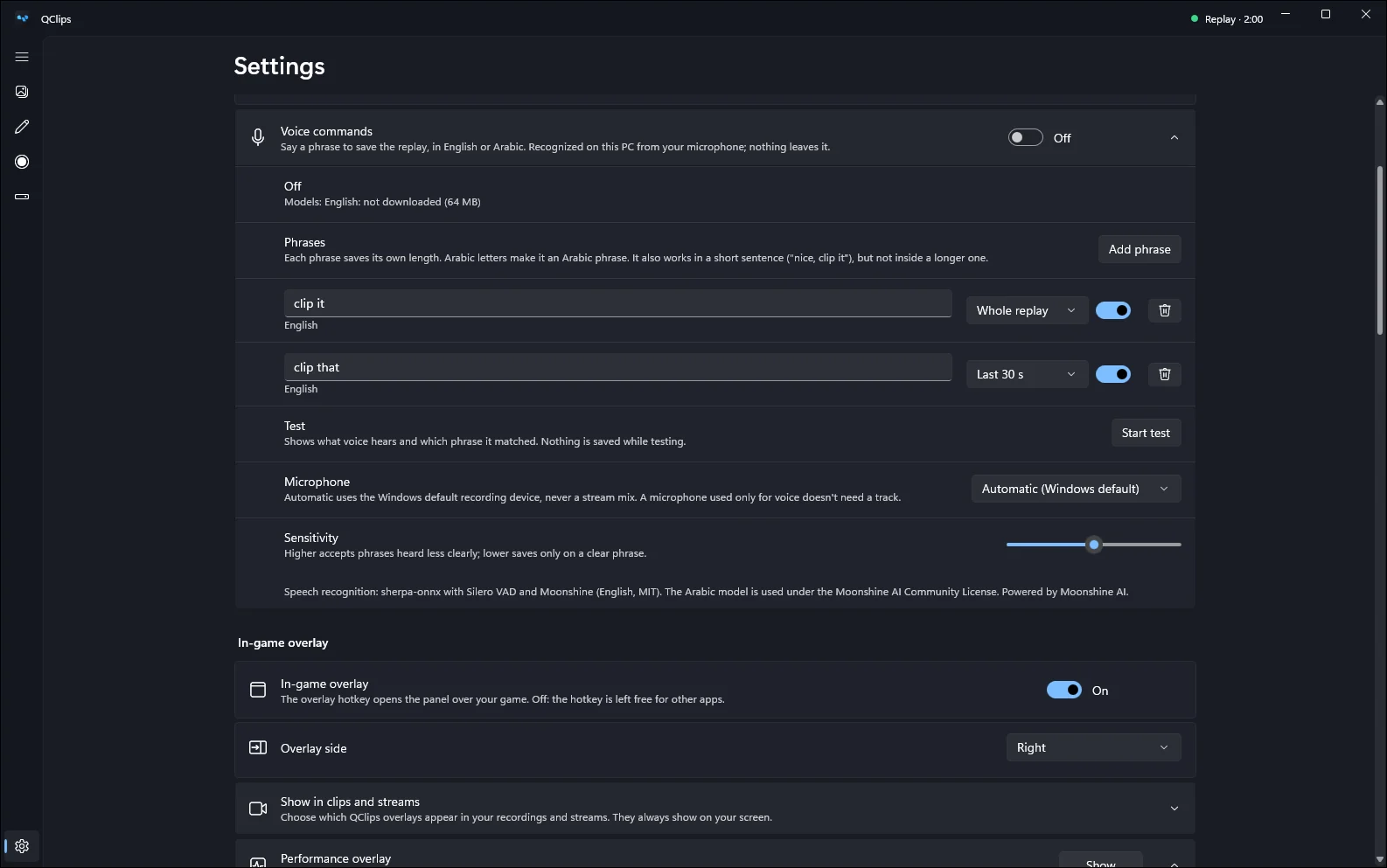
Say “clip it”.
Hands busy? Say the phrase and QClips saves the replay. It catches it mid-sentence, like “nice, clip it”, and it understands Arabic as well as English.
- Recognized on your PC. What the microphone hears never leaves your computer, and it works offline.
- Your phrases, your lengths. Give each phrase its own length: 15 or 30 seconds, 1 to 2 minutes, or the whole replay.
- Test it first. Start test shows what it heard and which phrase matched. The sensitivity slider sets how clear a phrase must be.
- One download, once. The voice model comes from Settings when you turn voice on: about 67 MB for English, 164 MB for Arabic, 210 MB for both. The Arabic model is Powered by Moonshine AI.
2In the game
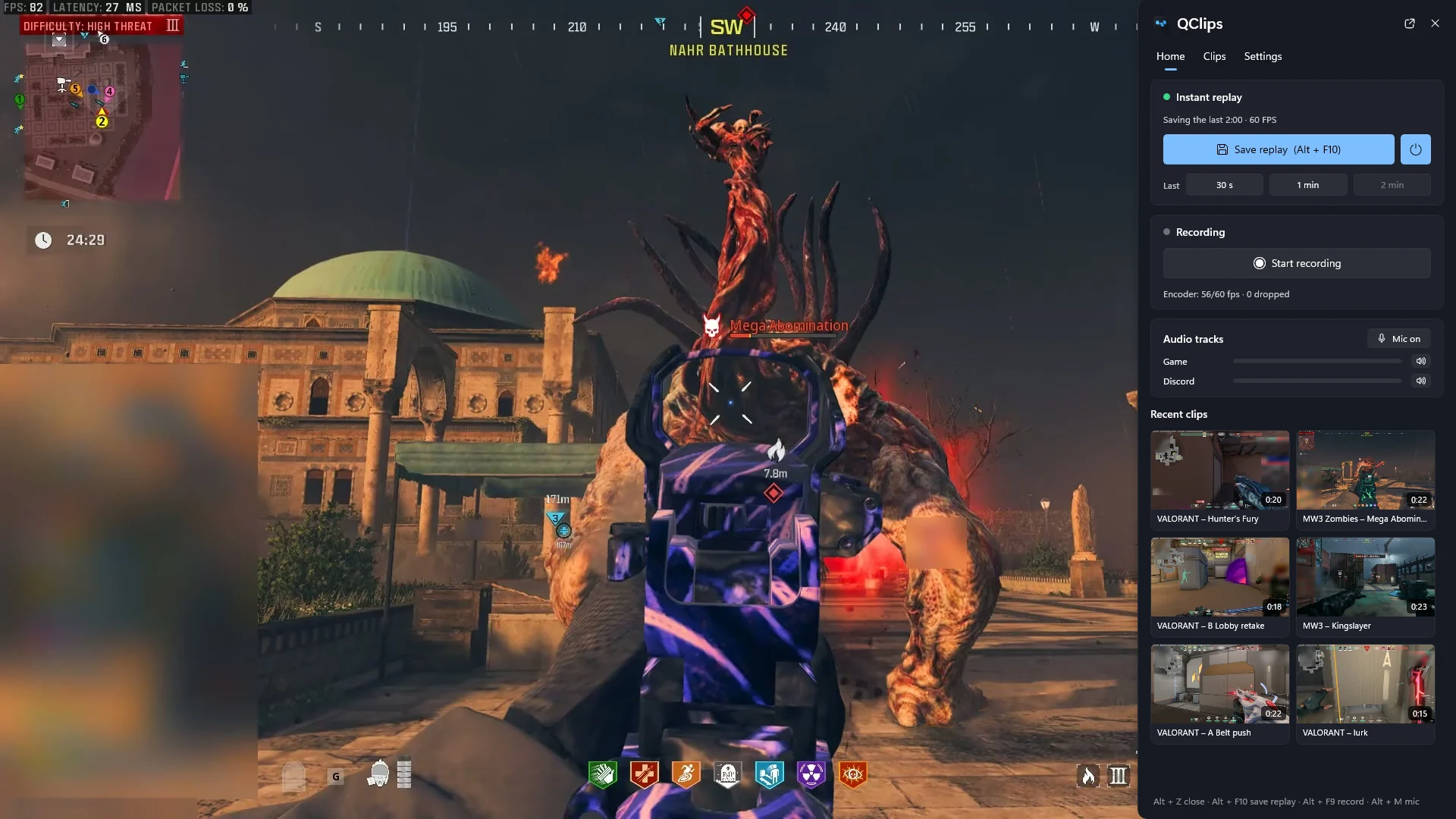
Or press Alt+Z without leaving the game.
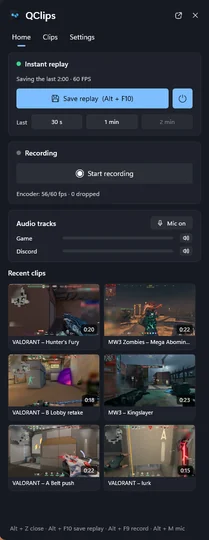
A panel slides in from the edge of your main screen. Save the replay or just its end, start a recording, check your audio and open your latest clips.
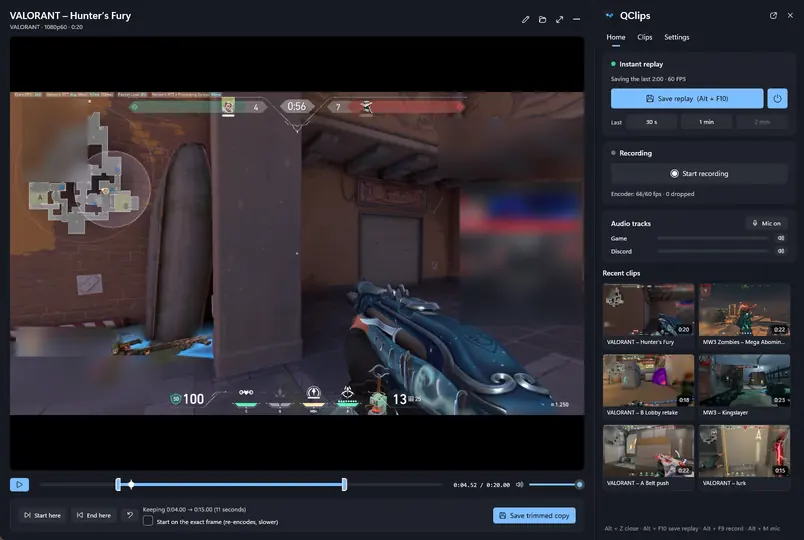
- Quick trim in the panel. Drag the two ends and save a trimmed copy without opening the editor.
- Save just the end. The last 30 seconds, 1 minute or 2 minutes of the replay.
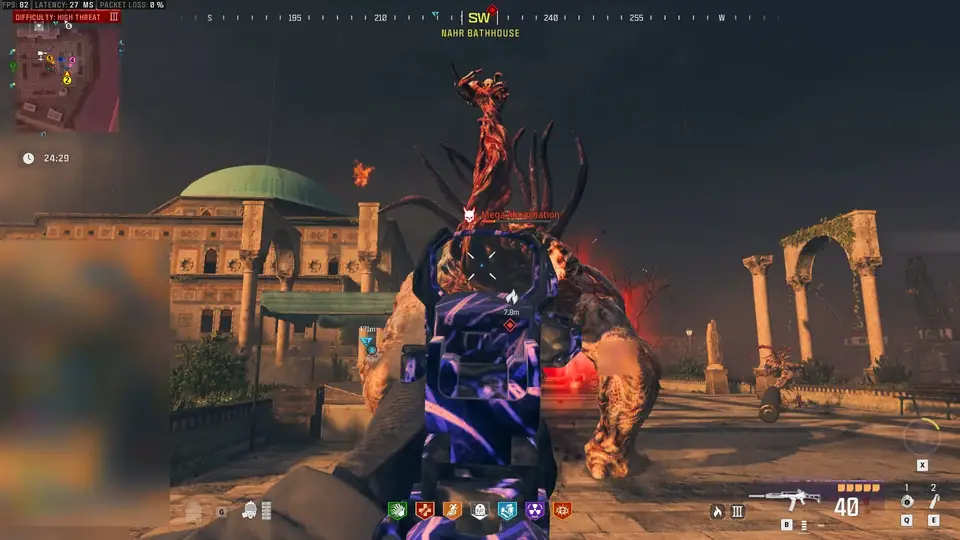
- Your call what shows. Choose whether the panel, the “Clip saved” notice and the performance line appear in your clips and streams.
- Hotkeys for everything. By default Alt+F10 saves the replay, Alt+F9 starts a recording and Alt+M switches the mic.
3Editor
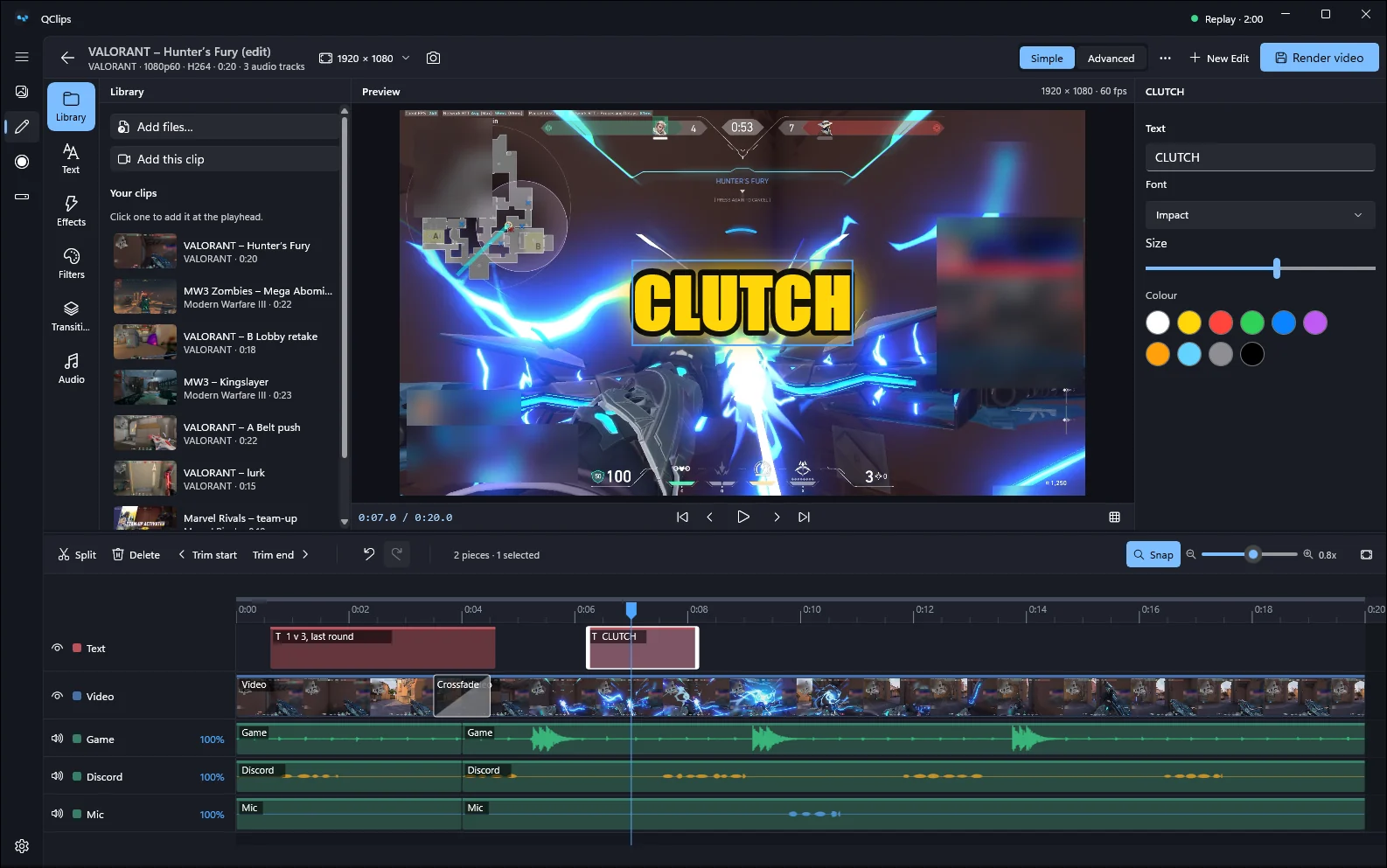
Trim it to the moment. Size it for Discord.
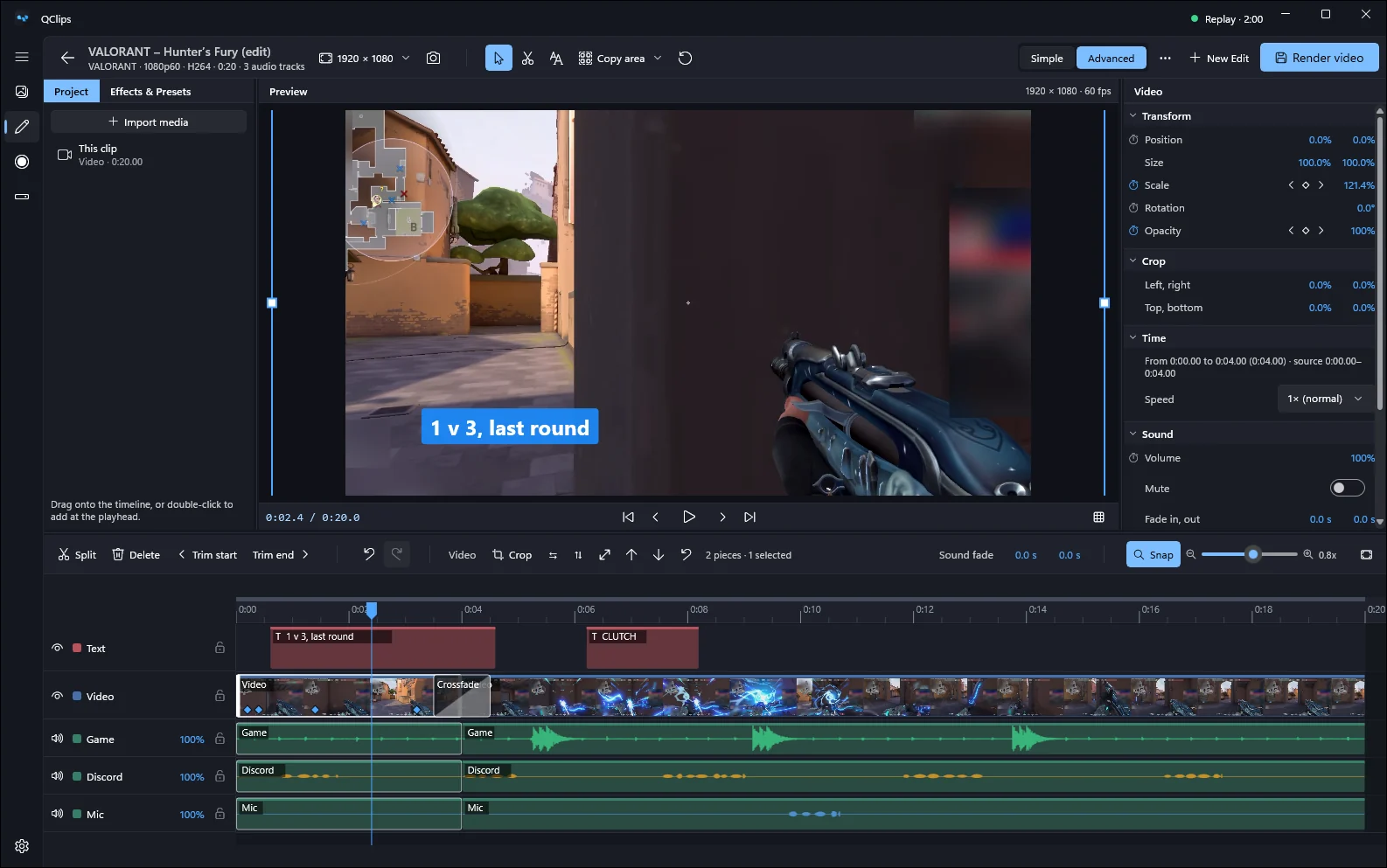
Trim, split, change the speed (keeping the pitch), freeze a frame, add titles, effects, filters and transitions. Presets for Discord’s 10, 25 and 50 MB limits encode in two passes so the file fits.
- Simple mode. Your library, text, effects, filters and transitions next to one timeline.
- Advanced mode. Tracks, keyframes and masks. Animate position, scale, rotation, opacity and volume.
- Titles in Arabic too. Titles join and read Arabic correctly, in the preview and in the exported file.
4Sound
Every sound on its own track.
Game, voice chat, microphone and any device each get their own track, plus a Mixed track for sharing. Friend too loud? Turn them down later in the editor.
- Per-app sound. Put one program on its own track (Discord, Spotify, a browser), the current game, or everything except QClips.
- No echo in Mixed. QClips warns when a program would be heard twice and keeps it out of the mix. A limiter keeps loud moments from crackling.
- Without touching the game. Per-app audio never opens the game’s process.
5Lite
Just the recorder, if that’s all you want.
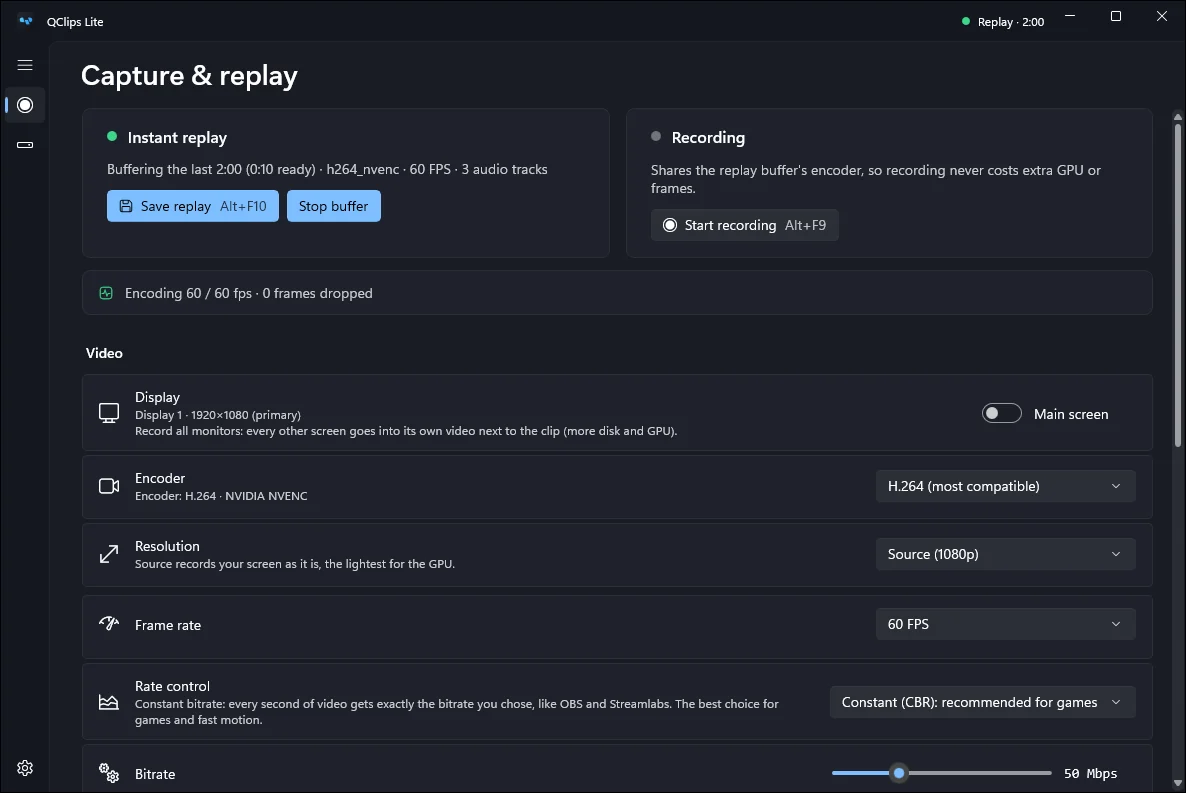
QClips Lite runs only the recorder: replay, recording and hotkeys, with a small settings window in the tray. Nothing shows over your games: the save sound tells you a clip was saved. Switch back any time; your clips and settings stay.
- Stays out of your frames. Recording runs on your graphics card’s encoder (NVIDIA NVENC, AMD AMF or Intel Quick Sync), so the game keeps the CPU.
- Saving never waits. Hotkeys and voice work even while the editor is busy.
- Small updates. Only what changed is downloaded, often under a megabyte, and never while you record.
 QClips